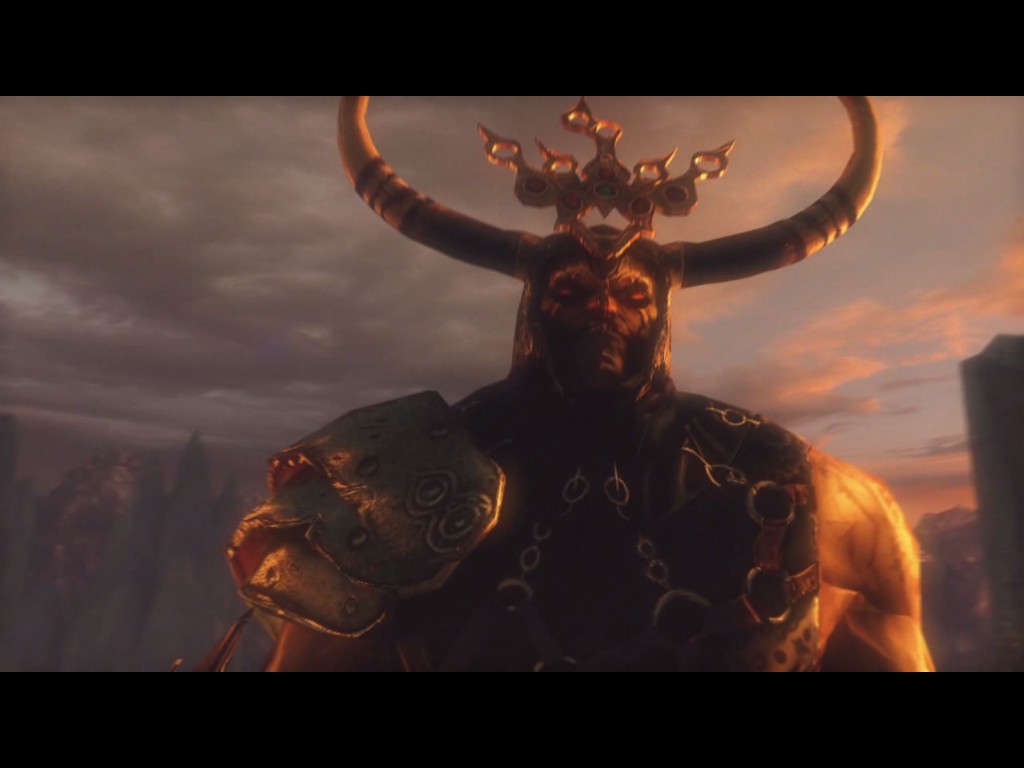
Here’s a pair of games that no one will care about; Garshasp: the Monster Slayer and its sequel Garshasp: Temple of the Dragon. After seeing a friend purchase five random game keys, Garshasp was one of them and as it turns out I own them both. The trailer made me want to play it since it looks like a budget God of War for the PC at a five dollar price tag.
Well Garshasp: the Monster Slayer won’t start. The configuration wouldn’t start either. They both just open and close the program. Then I installed the sequel and wouldn’t you know it Garshasp: Temple of the Dragon won’t start either. So then it was off to figure out why! I opened up the properties, found the .exe file in Windows and tried it that way.
There is no physXloader.dll in the .exe directory. With the help of Google, I found a new physXloader.dll and added it to the folder and vuala, the game worked. I did the same thing for both games. They both work easily. It looks like the game comes with a physX installer, but why it doesn’t work on Windows 7, I’ll never figure out. You should probably add the physXloader.dll to the Windows/System/ folder, but I’m always afraid of .dll files that I find on the Internet.
So to summarize:
I tried opening the .exe outside of Steam and it said the physXloader.dll or whatever didn’t work. So I looked it up online, found a new one and moved it into the folder with the game’s .exe. Now it works.

 Games That I Play
I don’t have this game myself, nor am I on Windows, but these sorts of posts really help people out there. Nice work figuring it out!
LikeLike
Yeah I kinda figured that no one here at WordPress would be helped, but two years down the line someone playing one of these two games will appreciate it. 🙂
LikeLiked by 1 person